Fold Sections
The following Feature sections can be folded:
-
Feature
-
Background
-
Rule
-
Scenario
-
Examples
-
Comments that span consecutive lines
-
Doc string step parameters
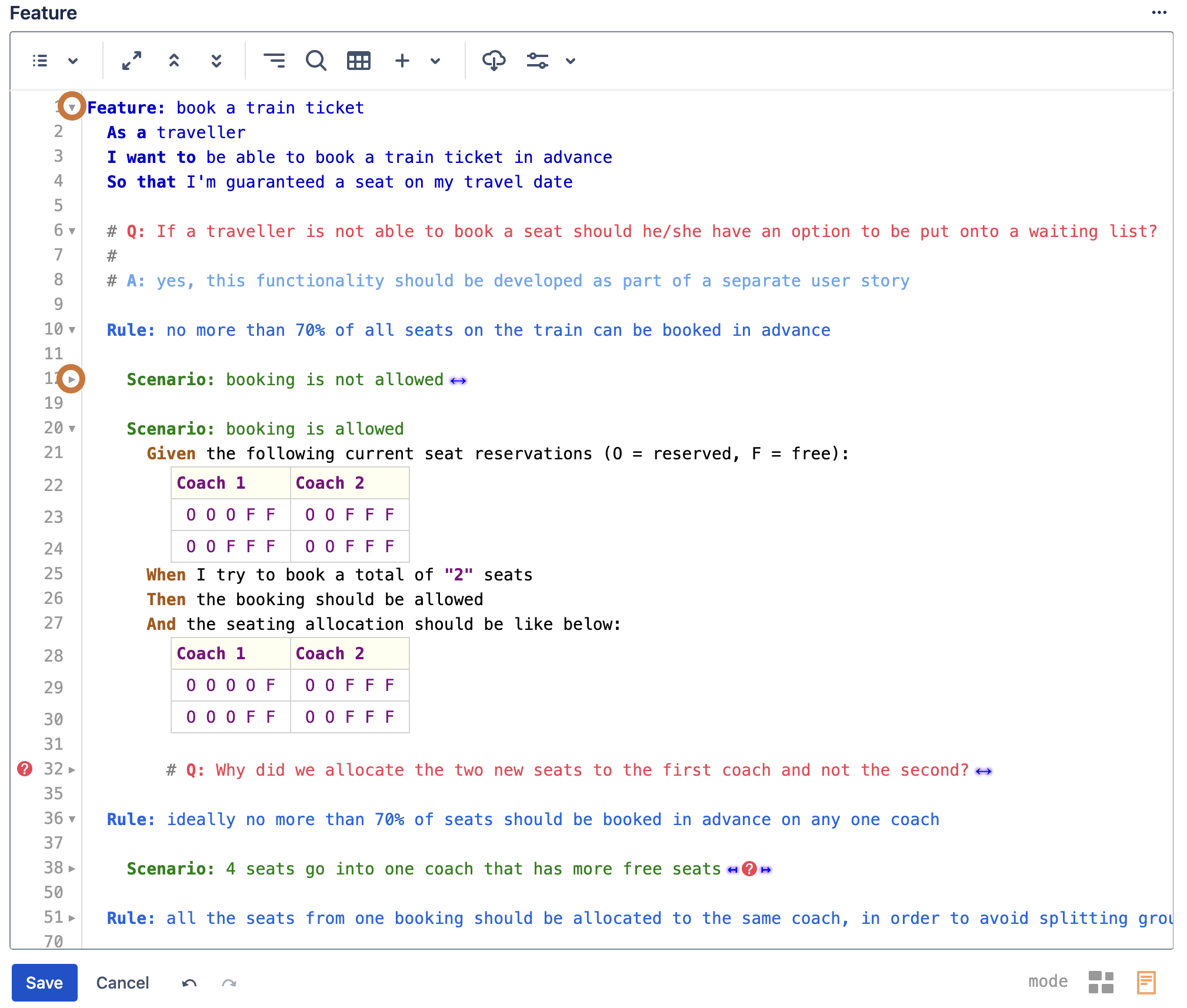
Fold gutter icons
Use the pointed triangle icons in the editor gutter to fold/unfold different Feature sections
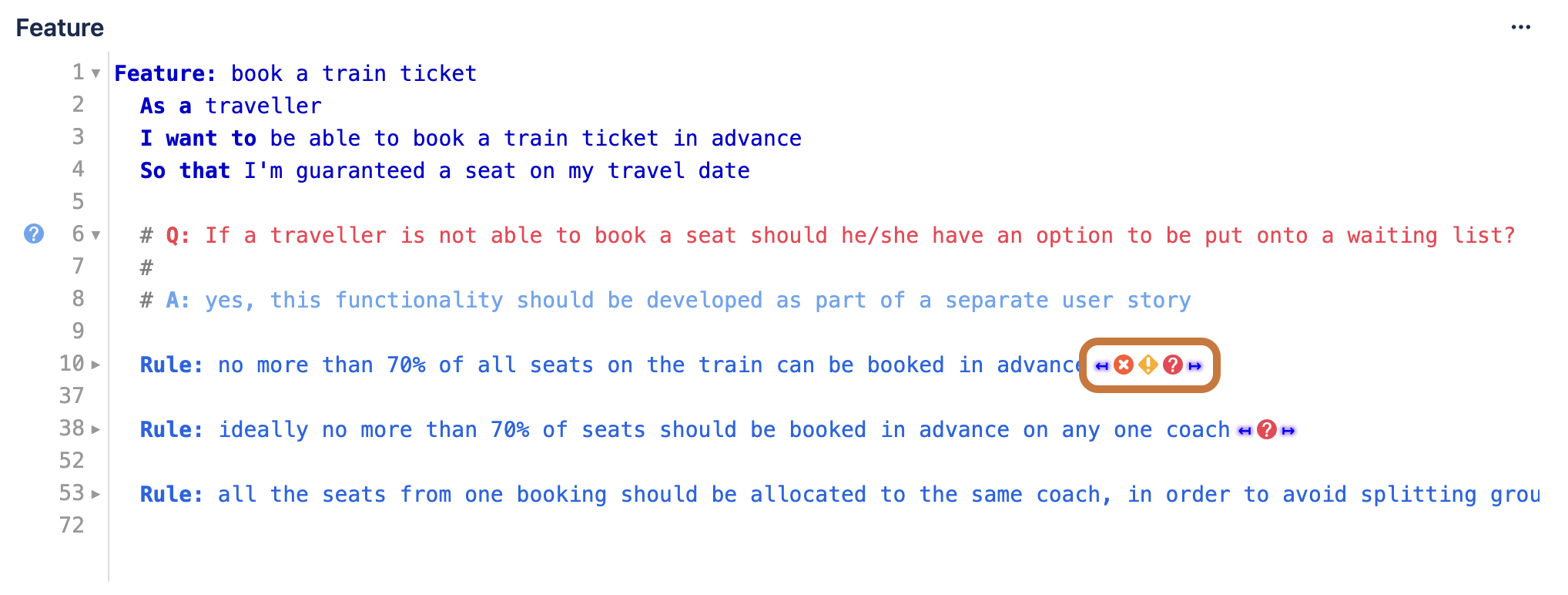
Folded section summary
Folded lines have trailing arrow like symbols along with any gutter markers contained within the folded range. Clicking on it will unfold the range.
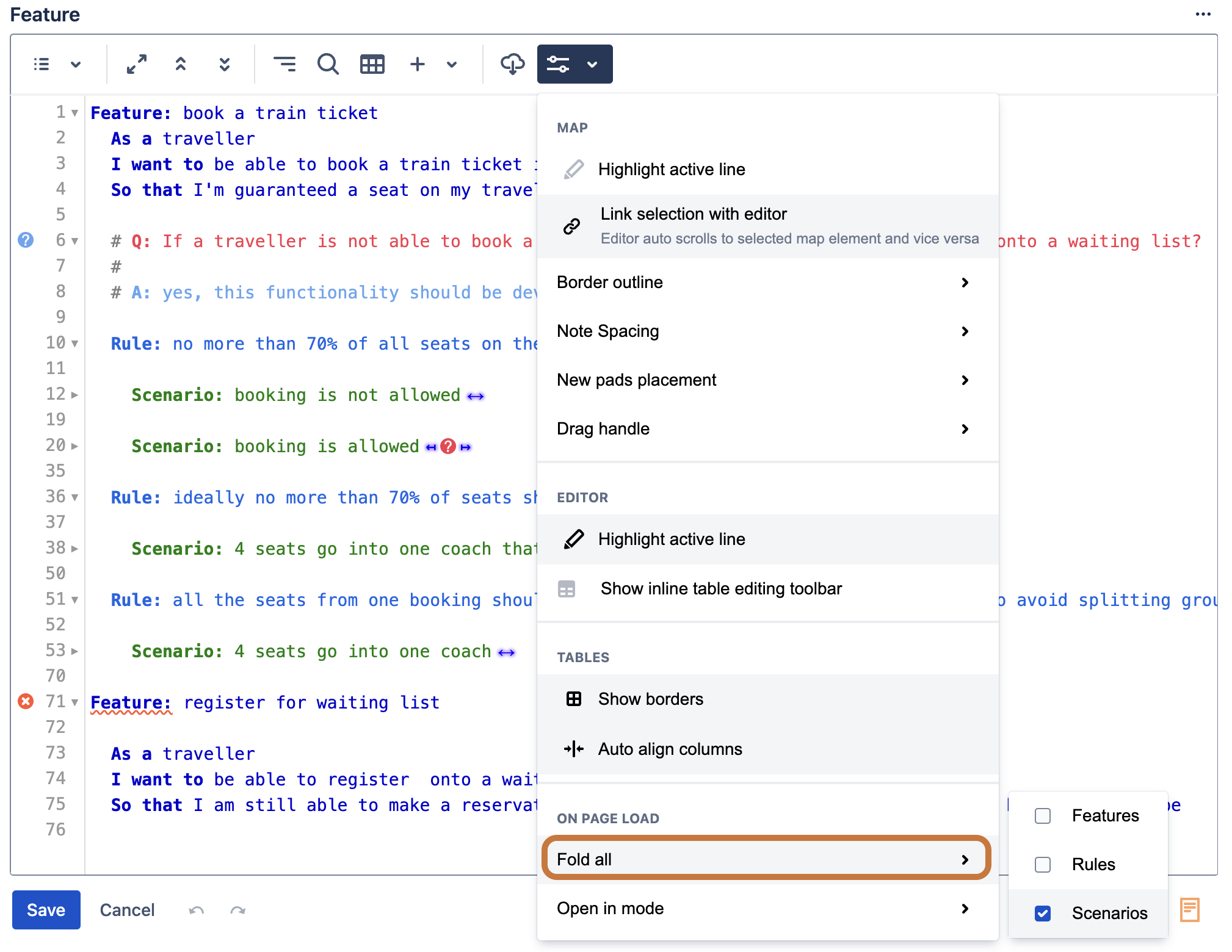
Fold sections on page load
It is often useful to have certain sections folded when the issue page loads in order to minimize information overload when you simply want to quickly review the issue at a high level without going into the details. This behaviour can be turned on/off using the Editor preferences option highlighted below.
Fold all Scenarios
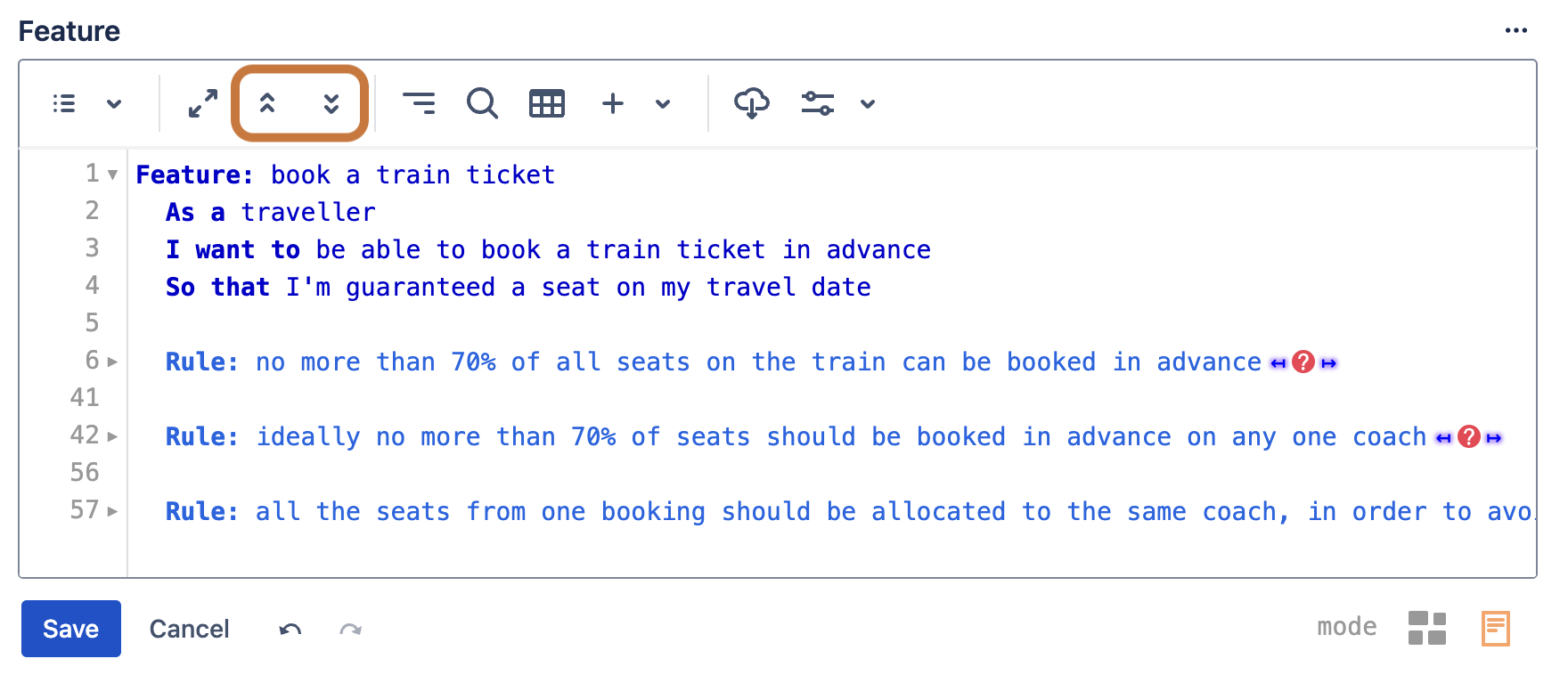
To fold or unfold all Scenarios in one operation use the highlighted toolbar buttons
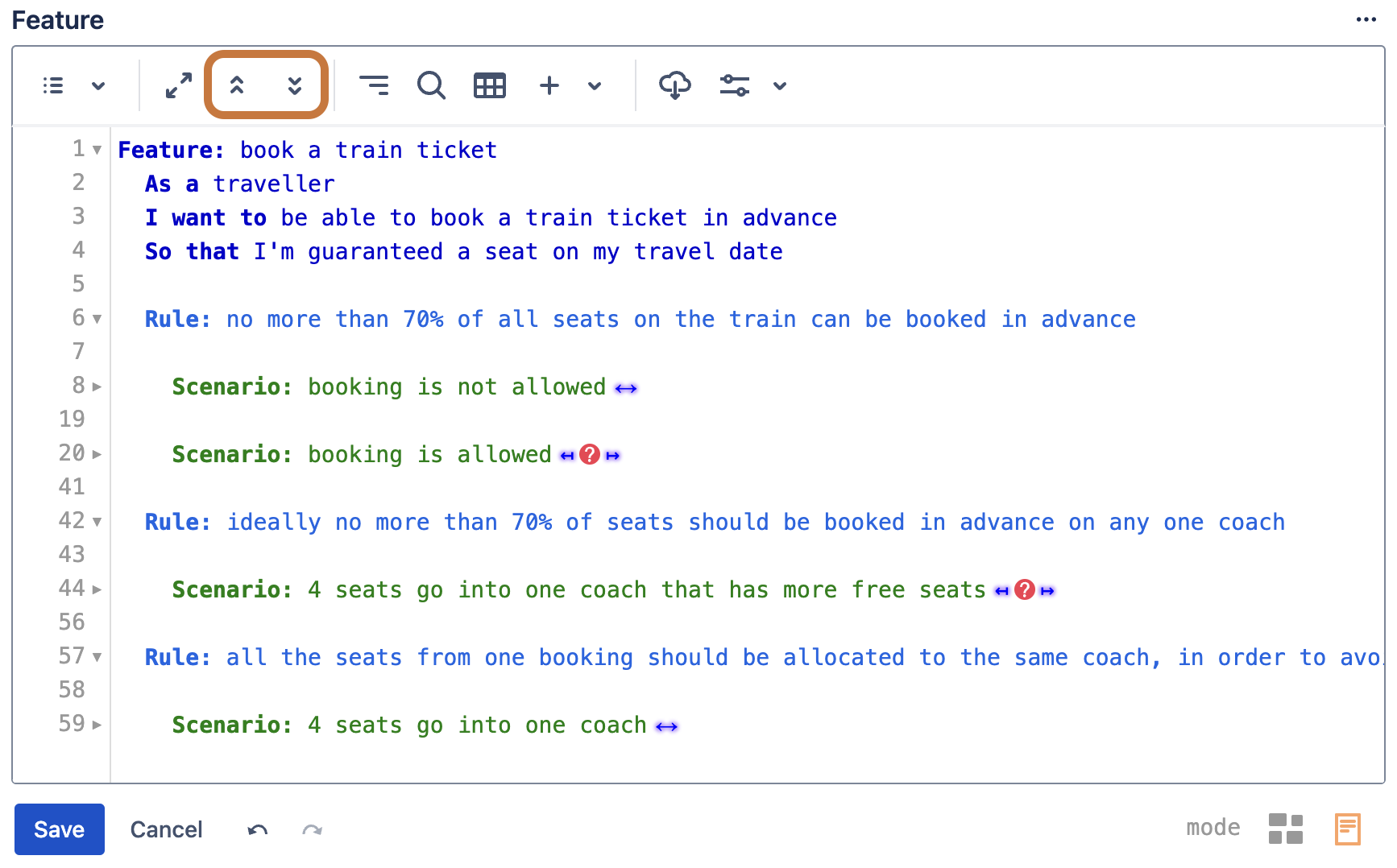
Fold all Rules
To fold or unfold all Rules in one operation use the highlighted toolbar buttons and hold ‘Alt’ key while clicking