Example Mapping Mode
note
Example Mapping primer
For a quick introduction to Example Mapping see this excellent article - Introducing Example Mapping written by the creator of the technique
To switch into Example Mapping mode use the buttons in the footer section of the editor panel highlighted below
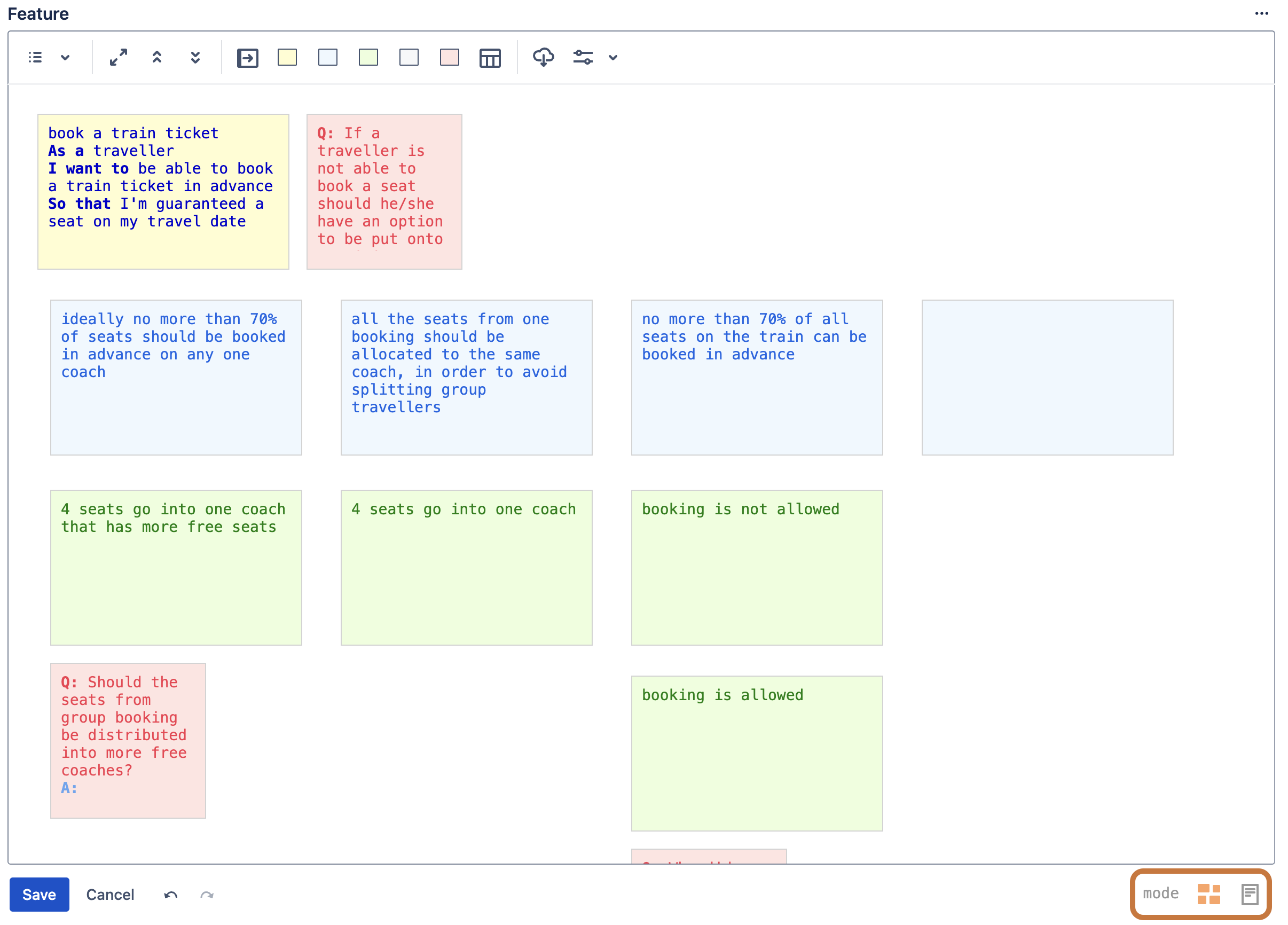
* Note that in the Data Center version of the app the mode buttons are located on the left and the Save & Cancel buttons on the right