Excel Like Data Tables
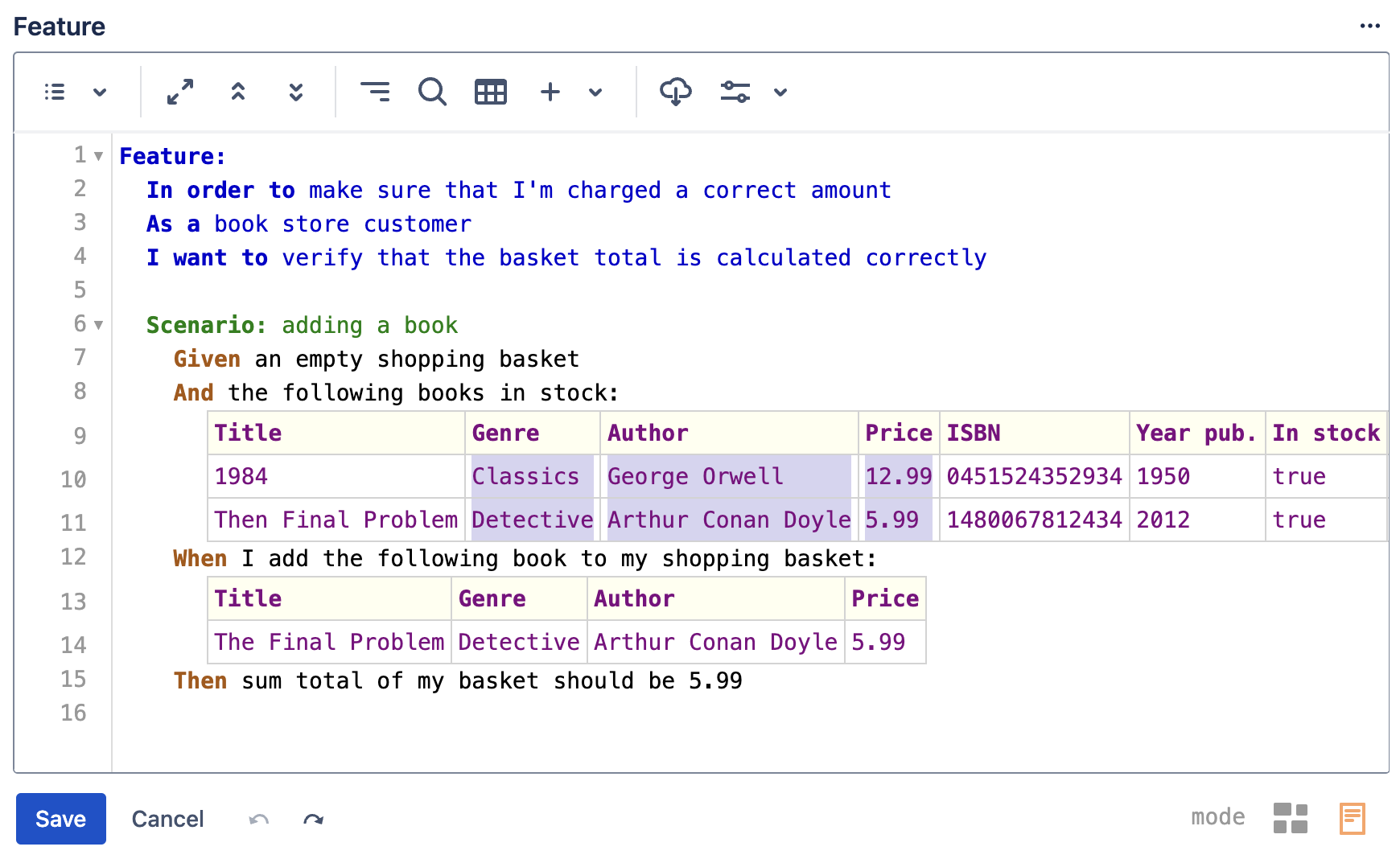
Gherkin data tables can often be awkward to work with especially when you want to add a new column in the middle of an existing table or want to rearrange rows or columns.
To make working with data tables easier the editor supports features described below
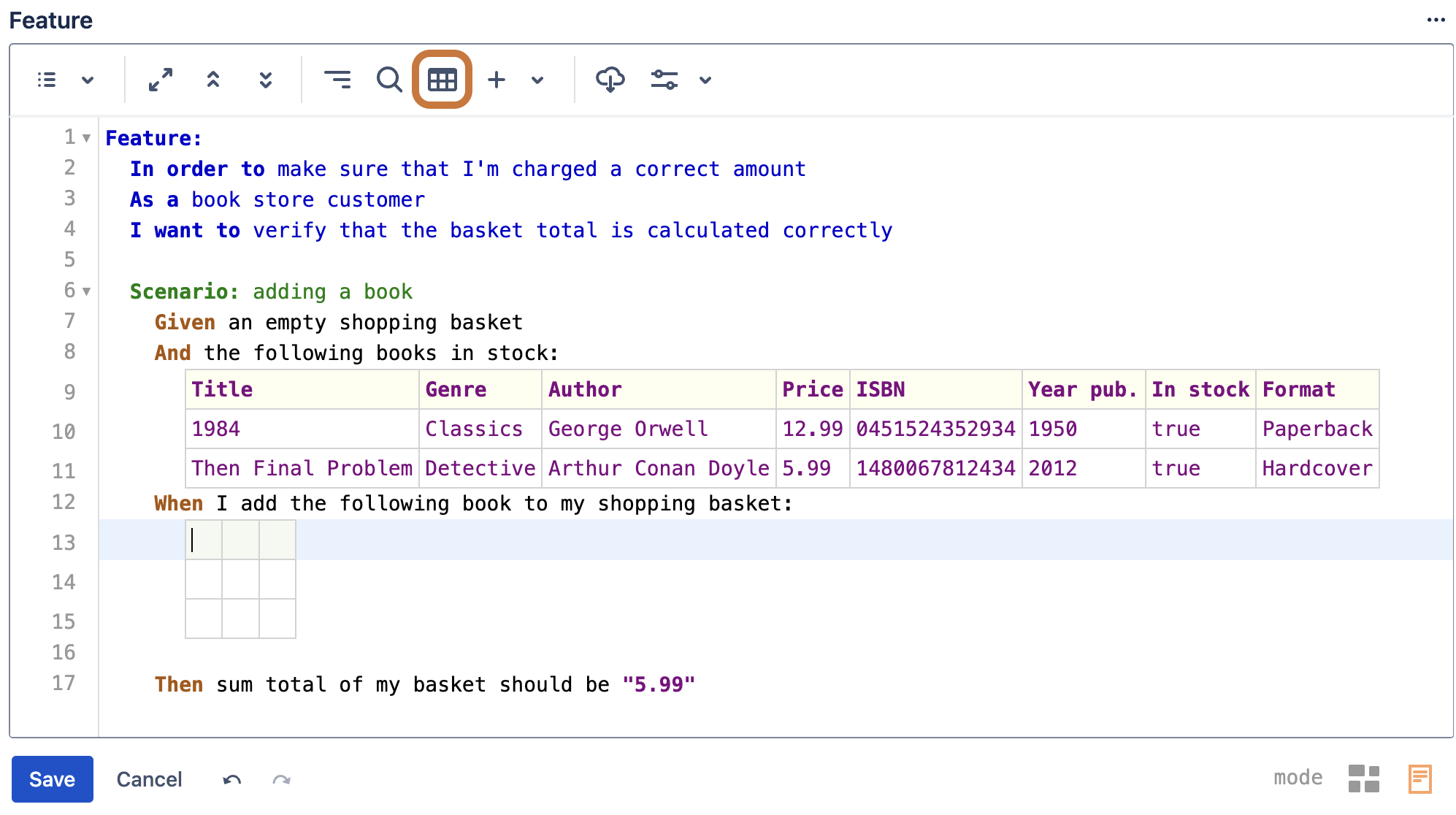
Insert new table via a button click
Use the highlighted toolbar button to quickly insert a new empty data table
Show cell borders
Instead of presenting Gherkin tables in a traditional way using only '|' (pipe) character to separate columns like shown below
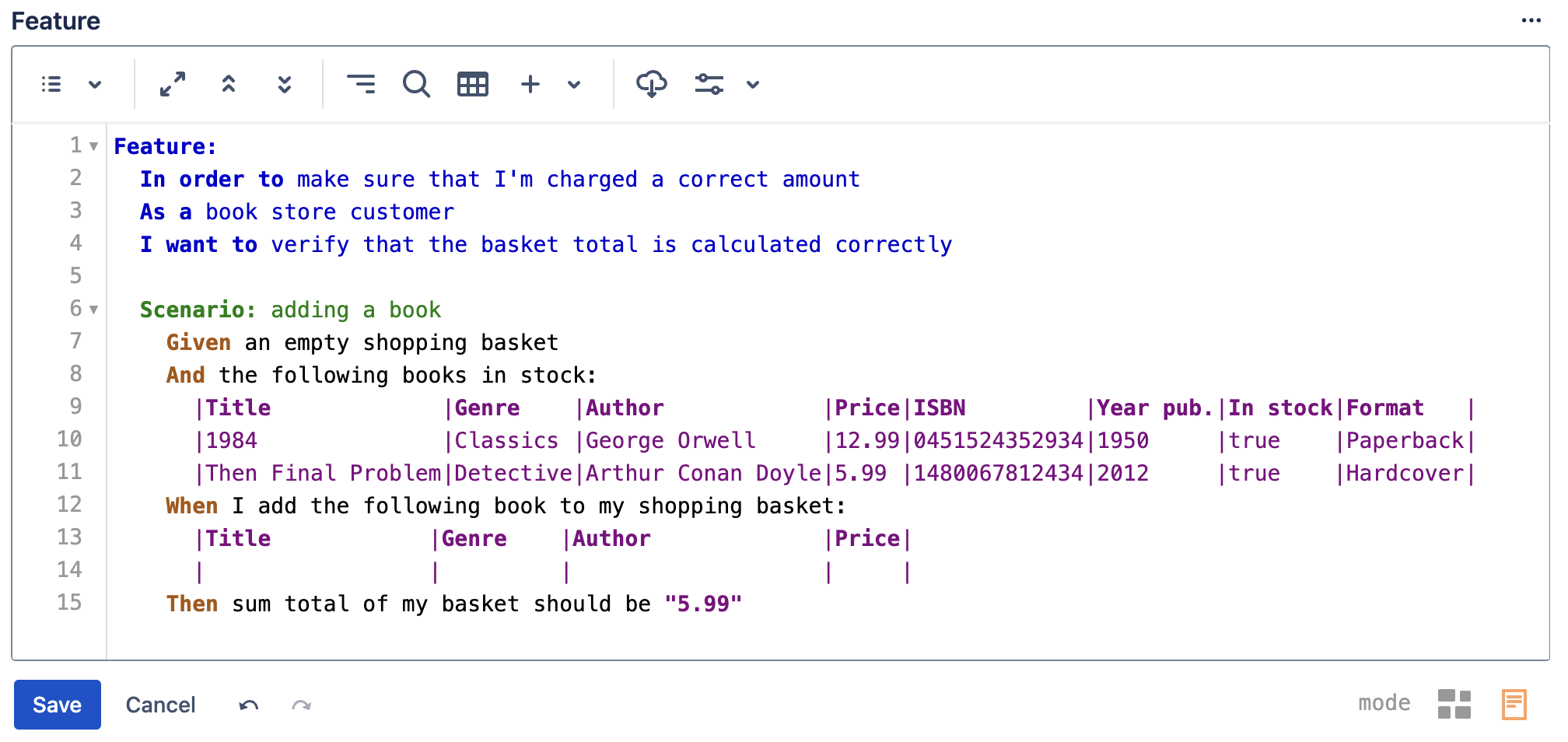
The editor supports showing tables with cell borders like in the screenshot below
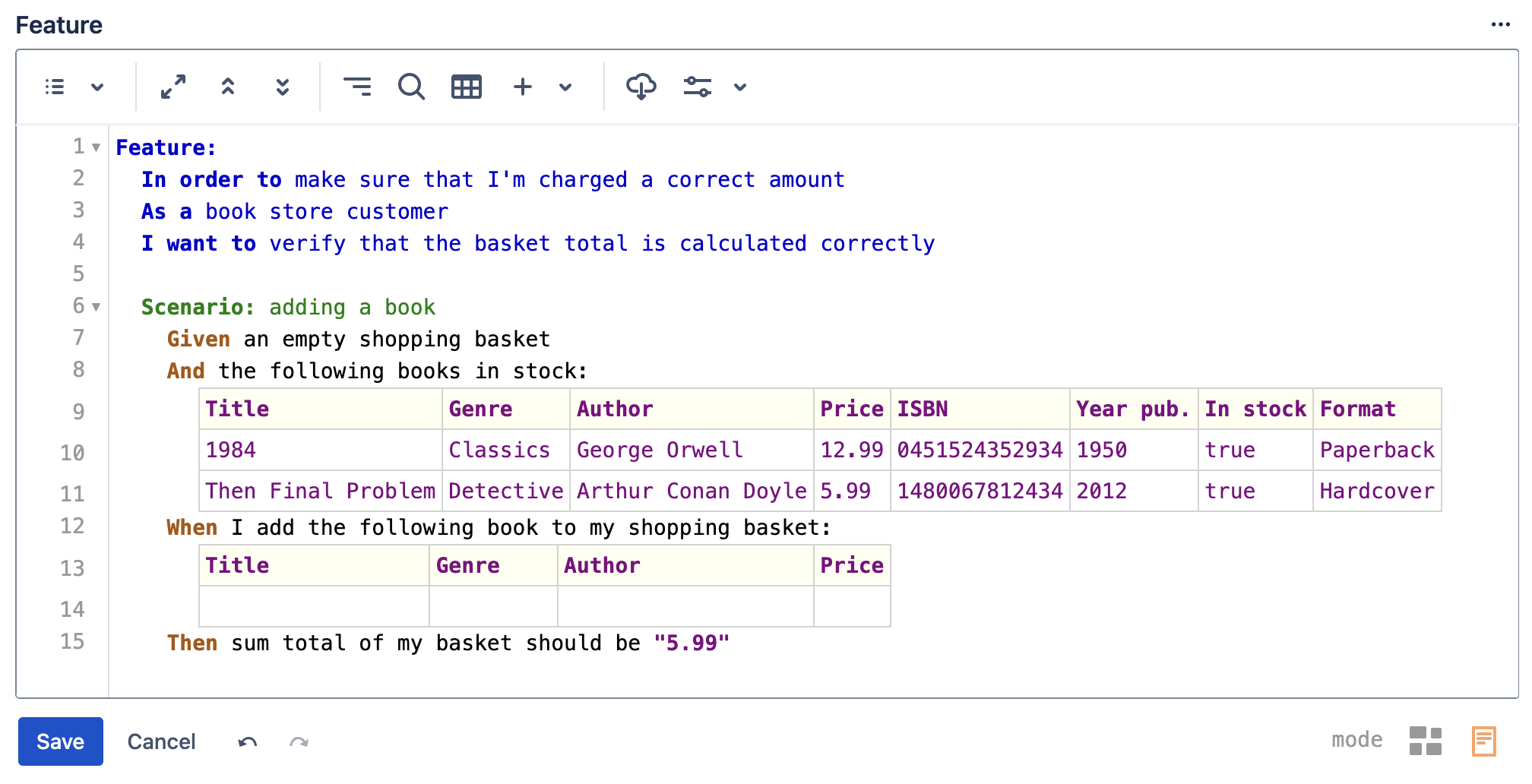
Note that the '|' characters are still there, they are just hidden and a border is shown instead. So if for example you select all text, copy and then paste the content into an external editor the pipe characters will be present as you would expect.
This feature is turned on by default but can be turned off if required via the Editor preferences menu.
Automatic alignment of columns
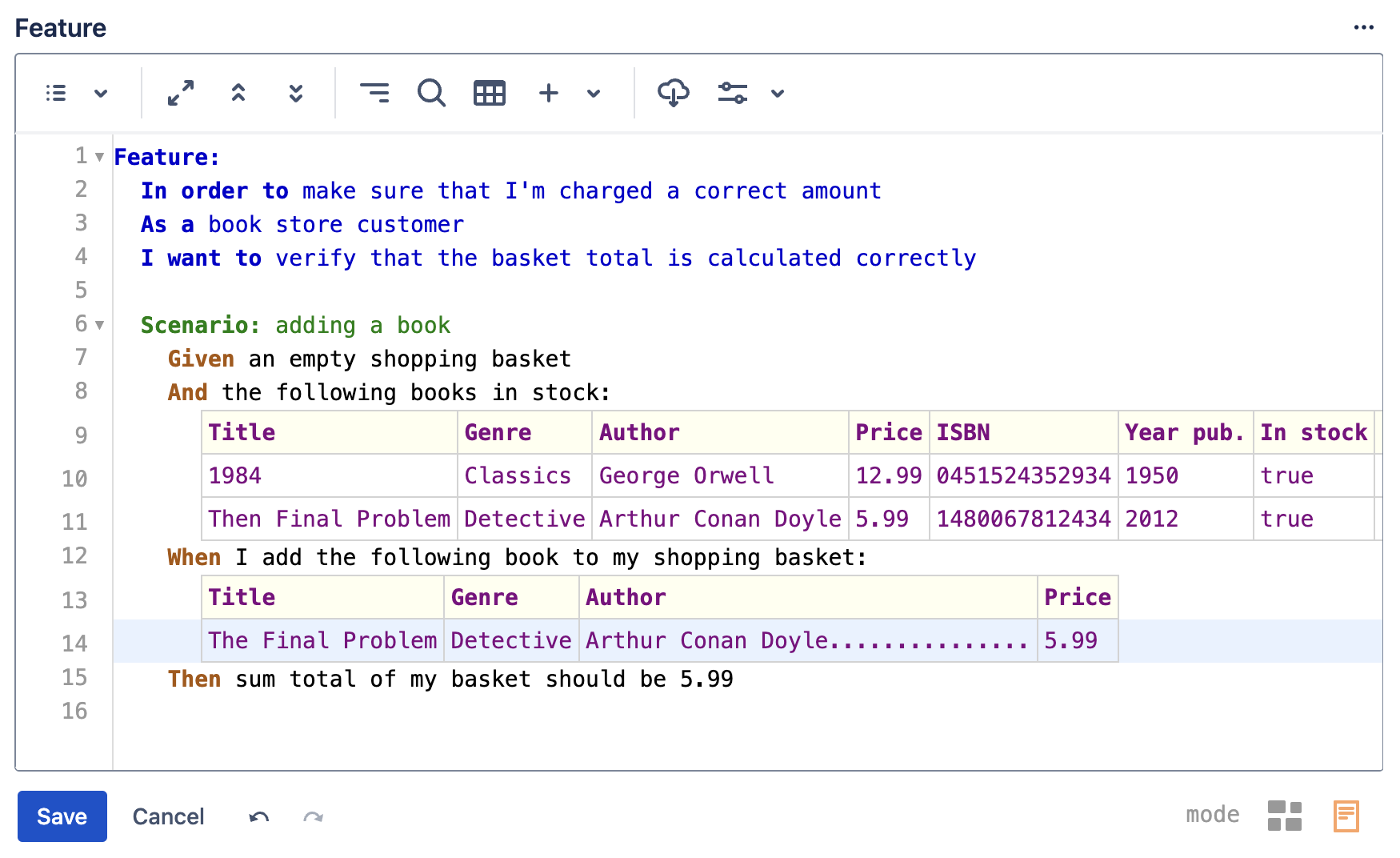
The columns of data tables are automatically aligned as you type so there is no need to press any keyboard shortcuts or buttons after an edit
Remove column’s trailing white space
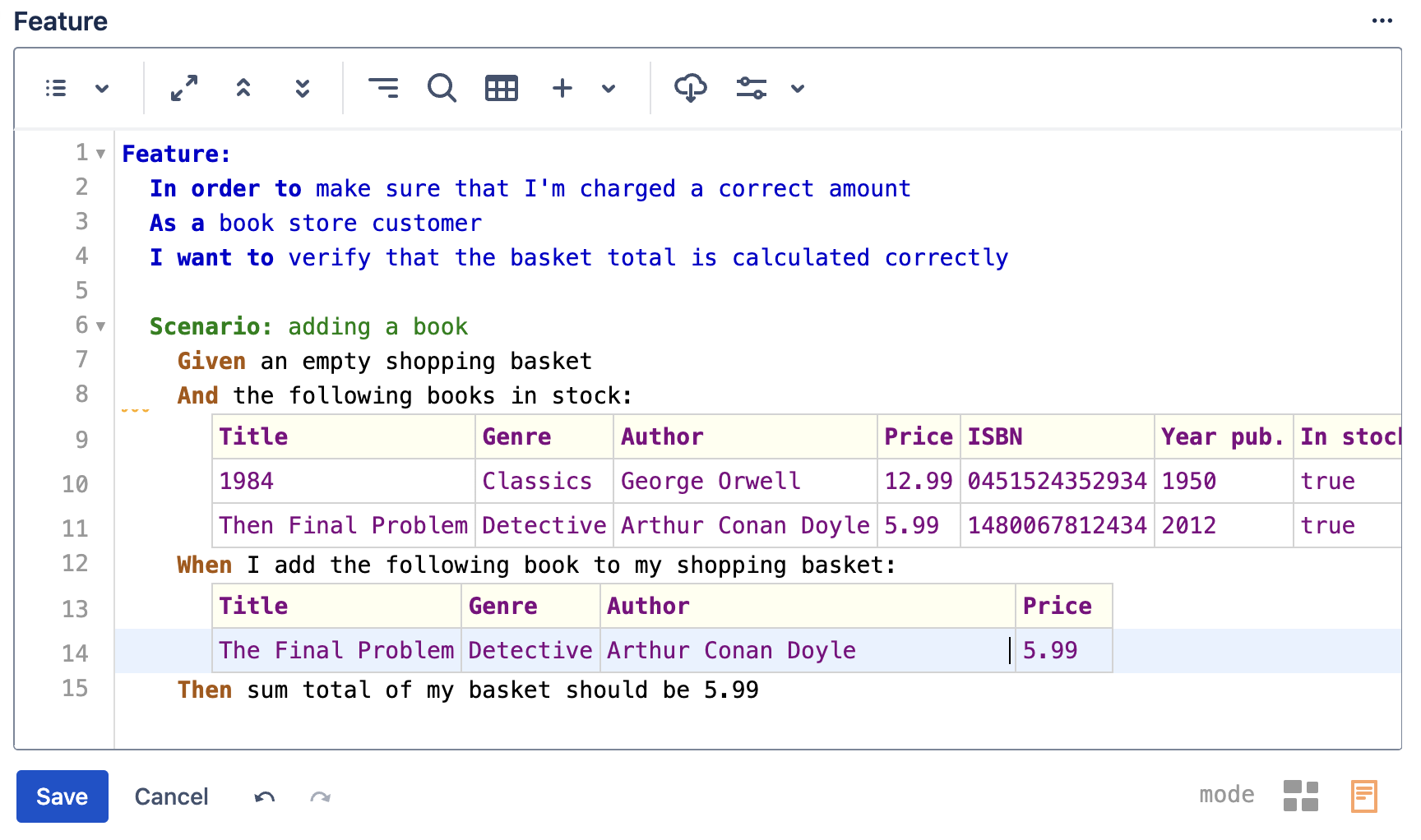
To delete unnecessary white space from a table column, simply place the cursor at the end of the cell’s white space and press the Backspace key or double click to select the white space and press the Delete key.
Inline table operations toolbar
Placing the cursor inside a table brings up the inline table operations toolbar which has dedicated buttons to easily add/remove/reorder columns and rows or delete the table entirely
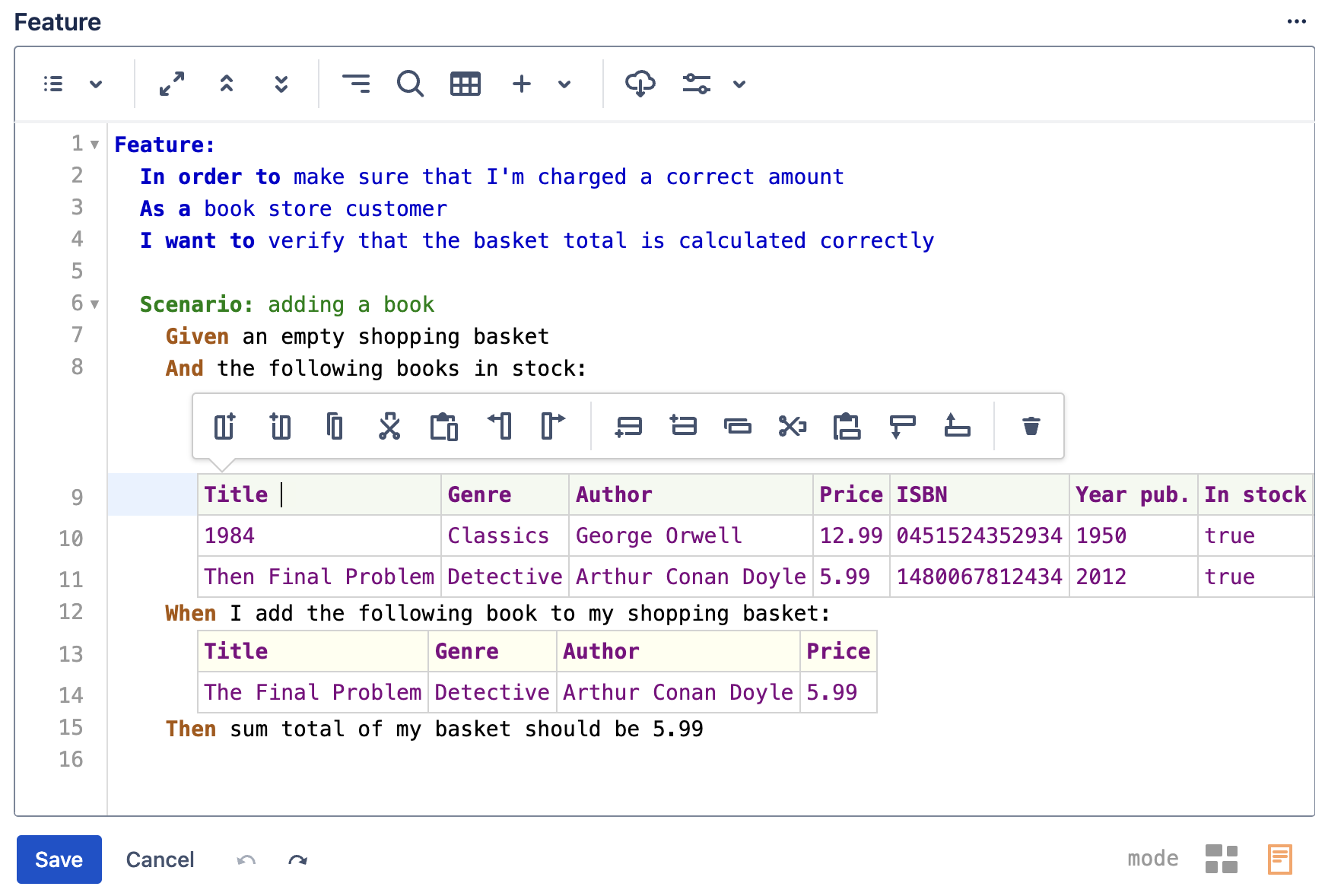
The inline table operations toolbar can be turned off if required (e.g. before taking a screenshot) via Editor preferences toolbar options menu
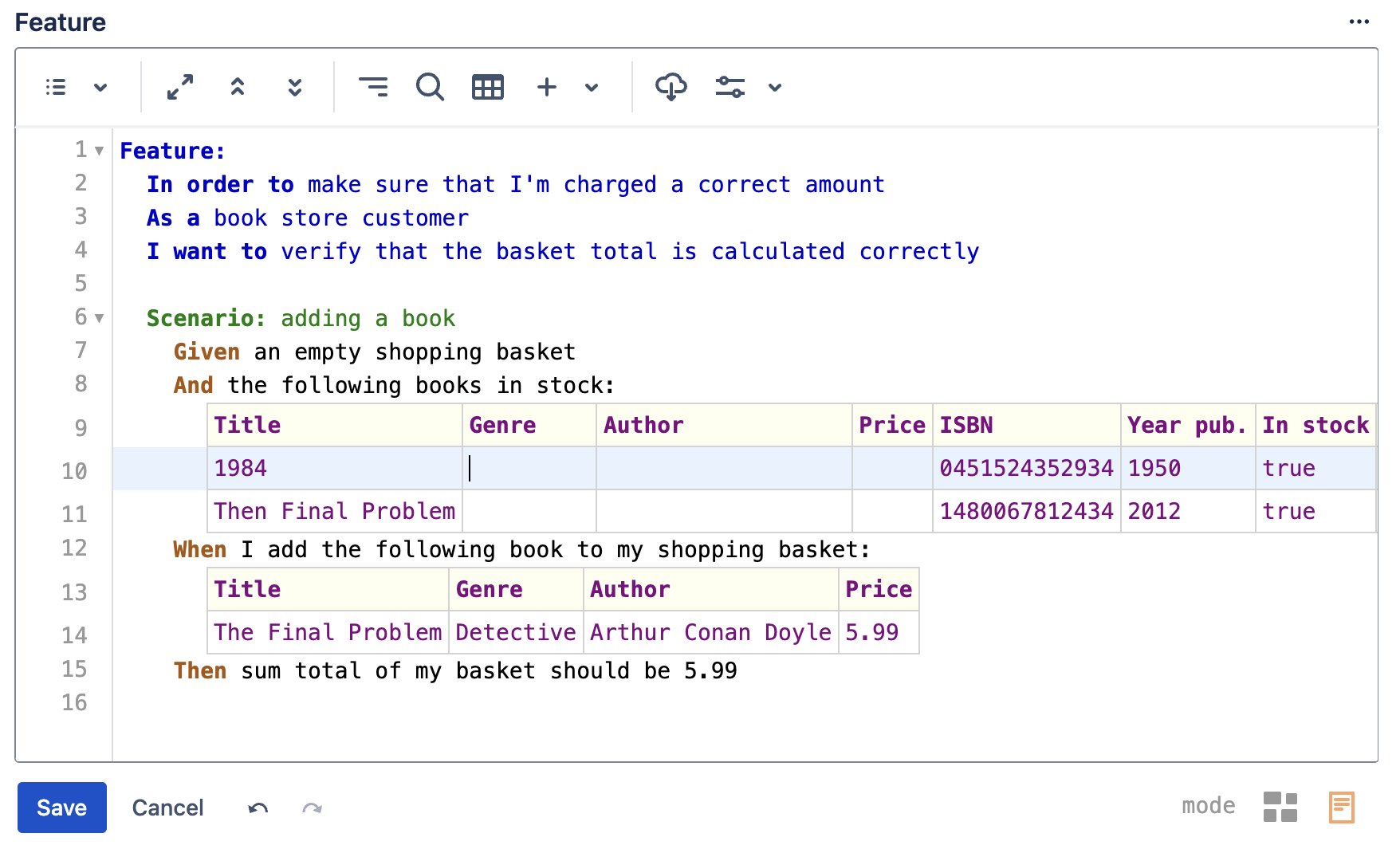
Intuitive cell range selection
Selecting a range of cells can be done in manner similar to a typical spreadsheet application by either Click & Drag mouse action or via keyboard key combination of Shift+Arrow Keys