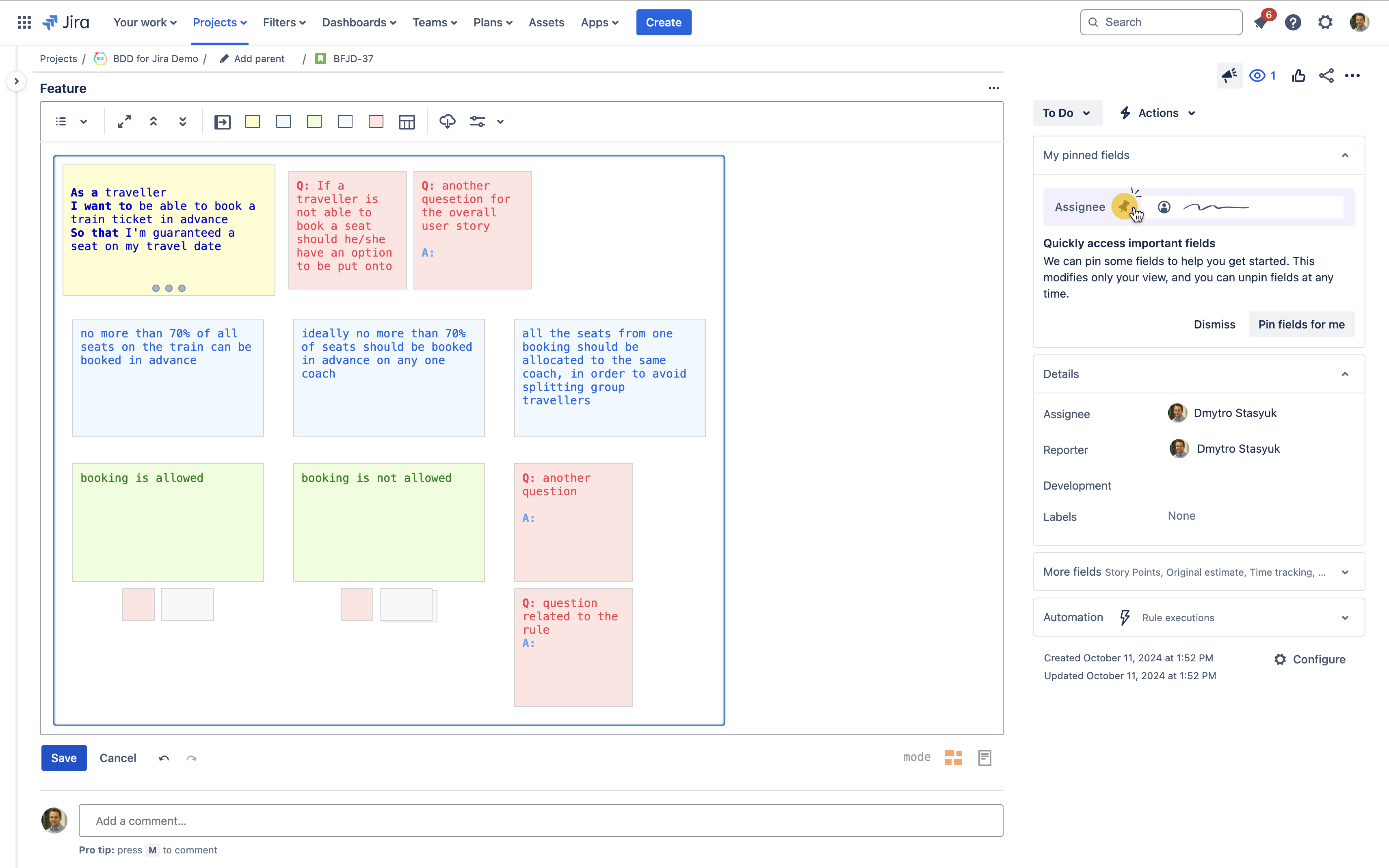
Copy & Paste
Copying and pasting notes is performed intuitively using the traditional “Ctrl+C” & “Ctrl+V” keyboard shortcuts respectively (“Command+C” & “Command+V” on MacOS).
Copy and Paste Single Notes
To copy a single note simply select it and press “Ctrl+C”
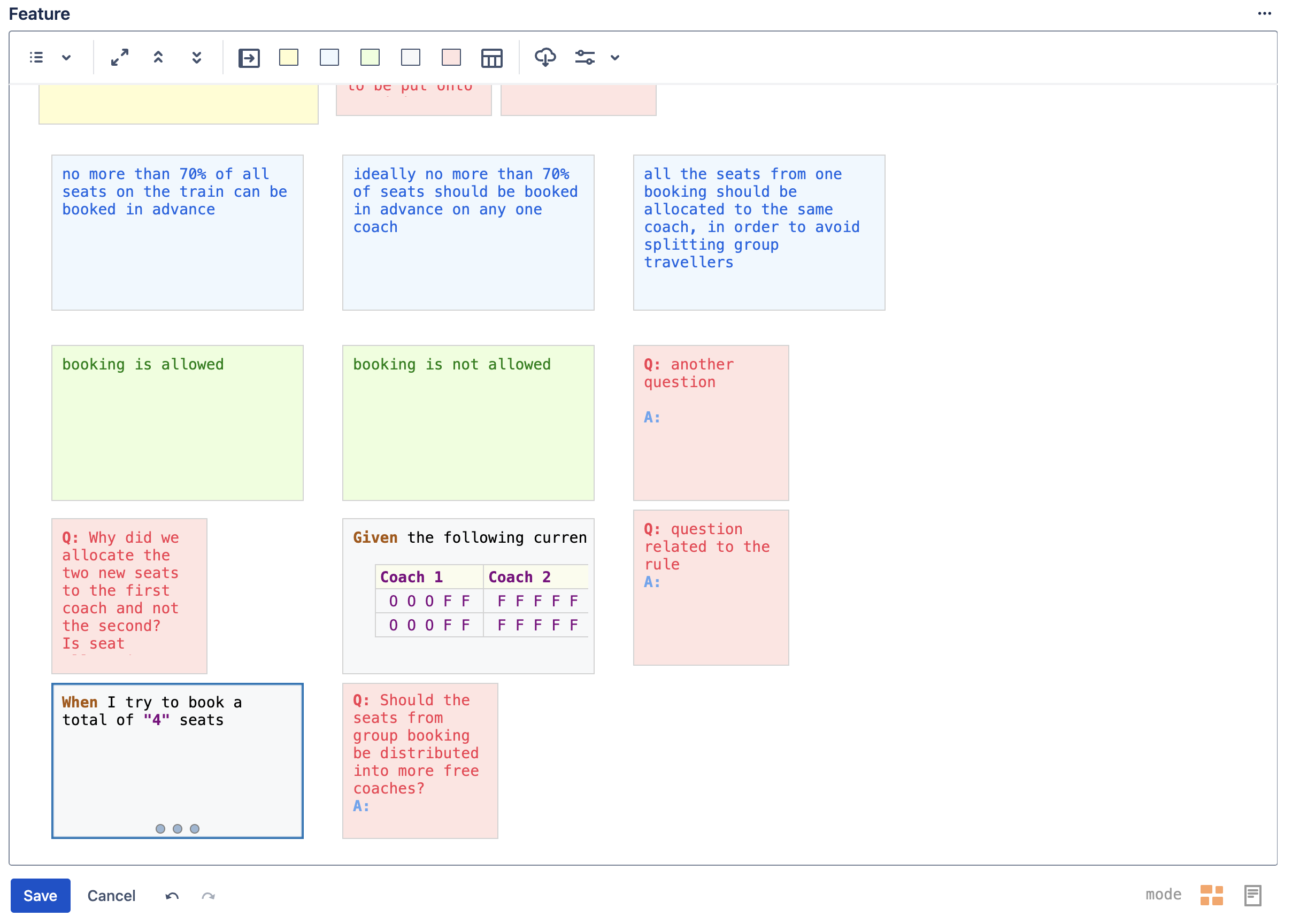
Then select the note after which you would like to paste the copied note and press “Ctrl+V“
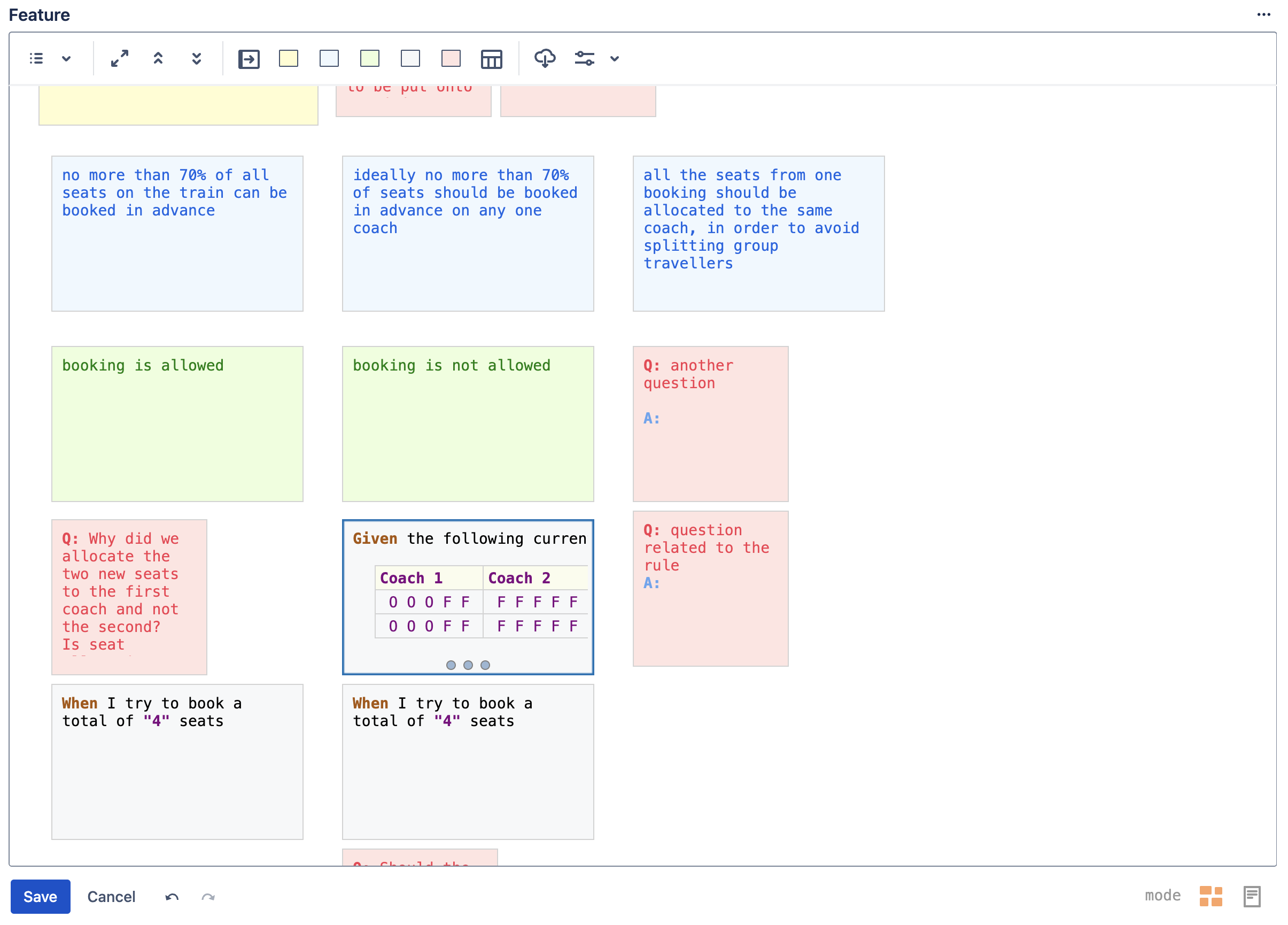
Copy & Paste Note Groups
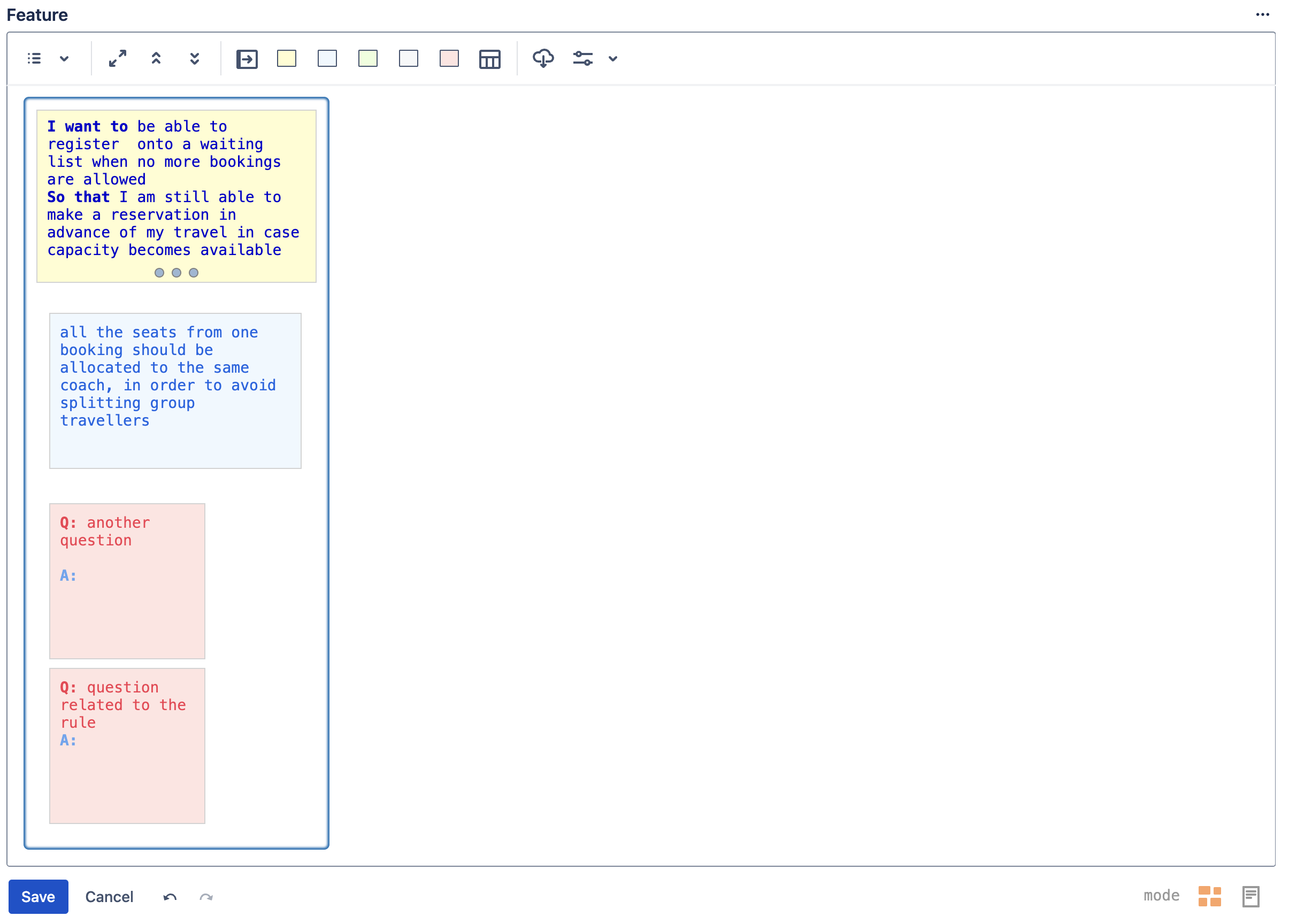
You can copy all of the notes under Story, Rule or Scenario groups together in one operation. Simply select the group and press “Ctrl+C”
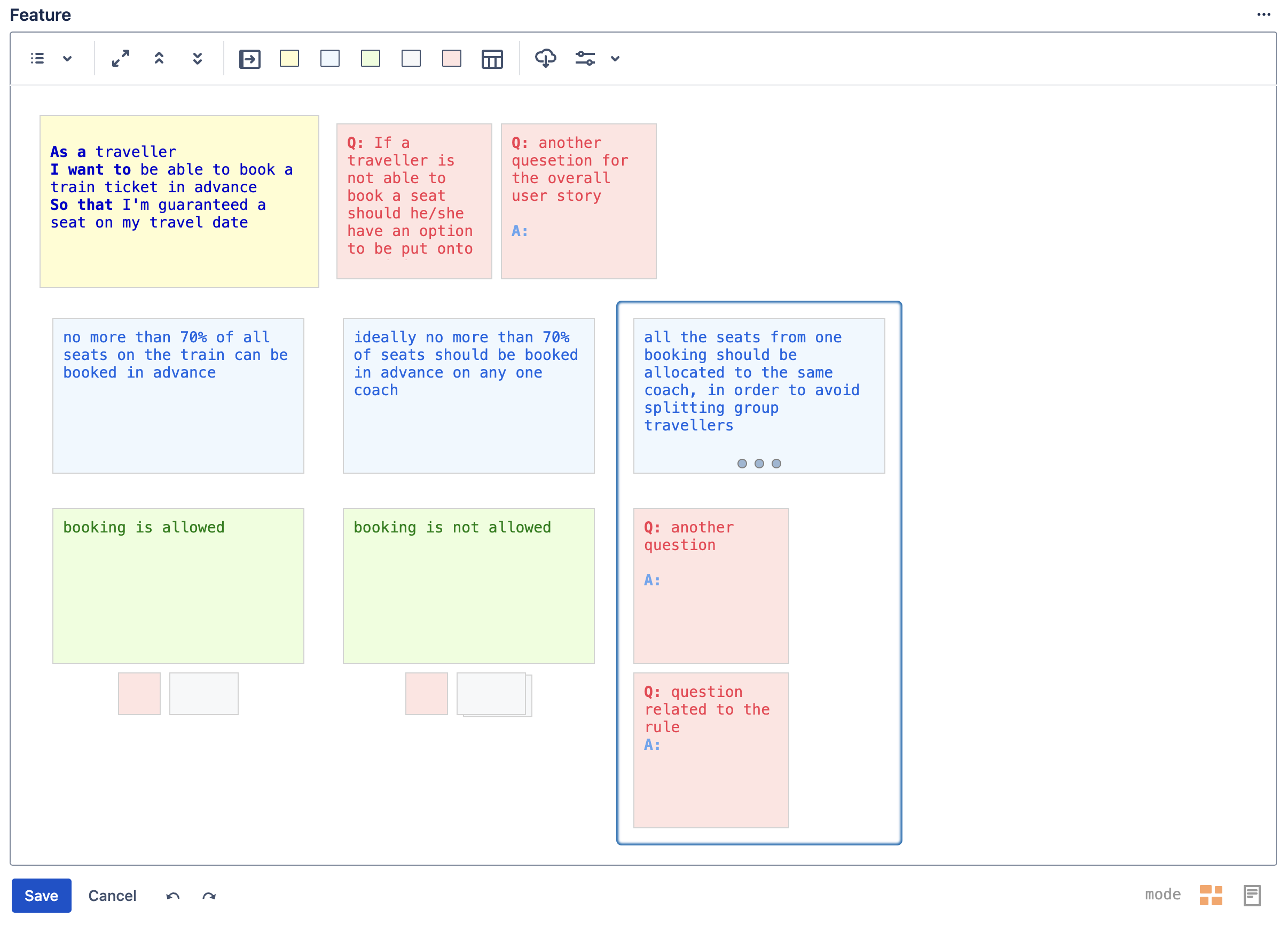
Select the note after which you’d like to paste the copied note group and press “Ctrl+V” to paste
Copy & Paste Between Jira Issues
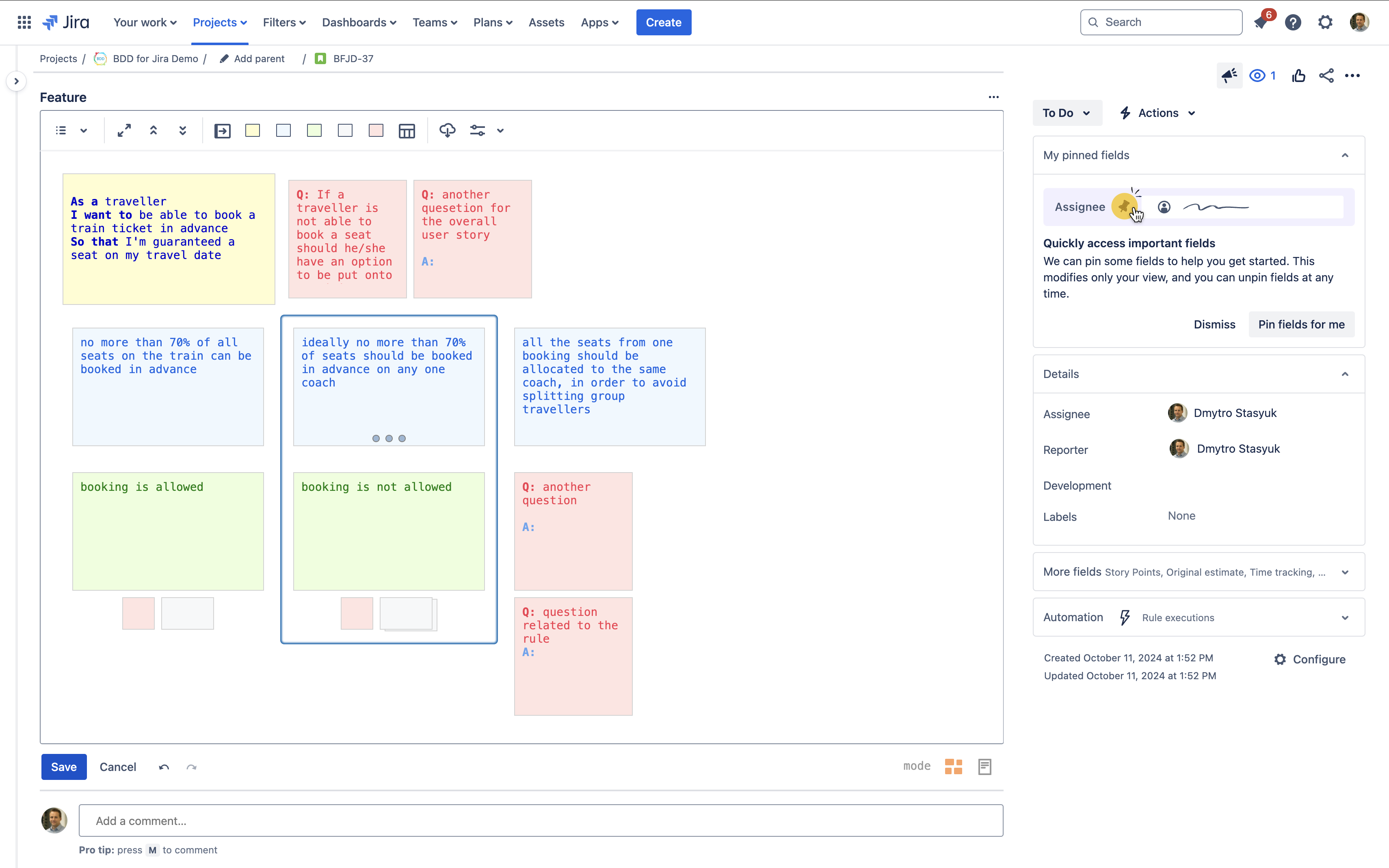
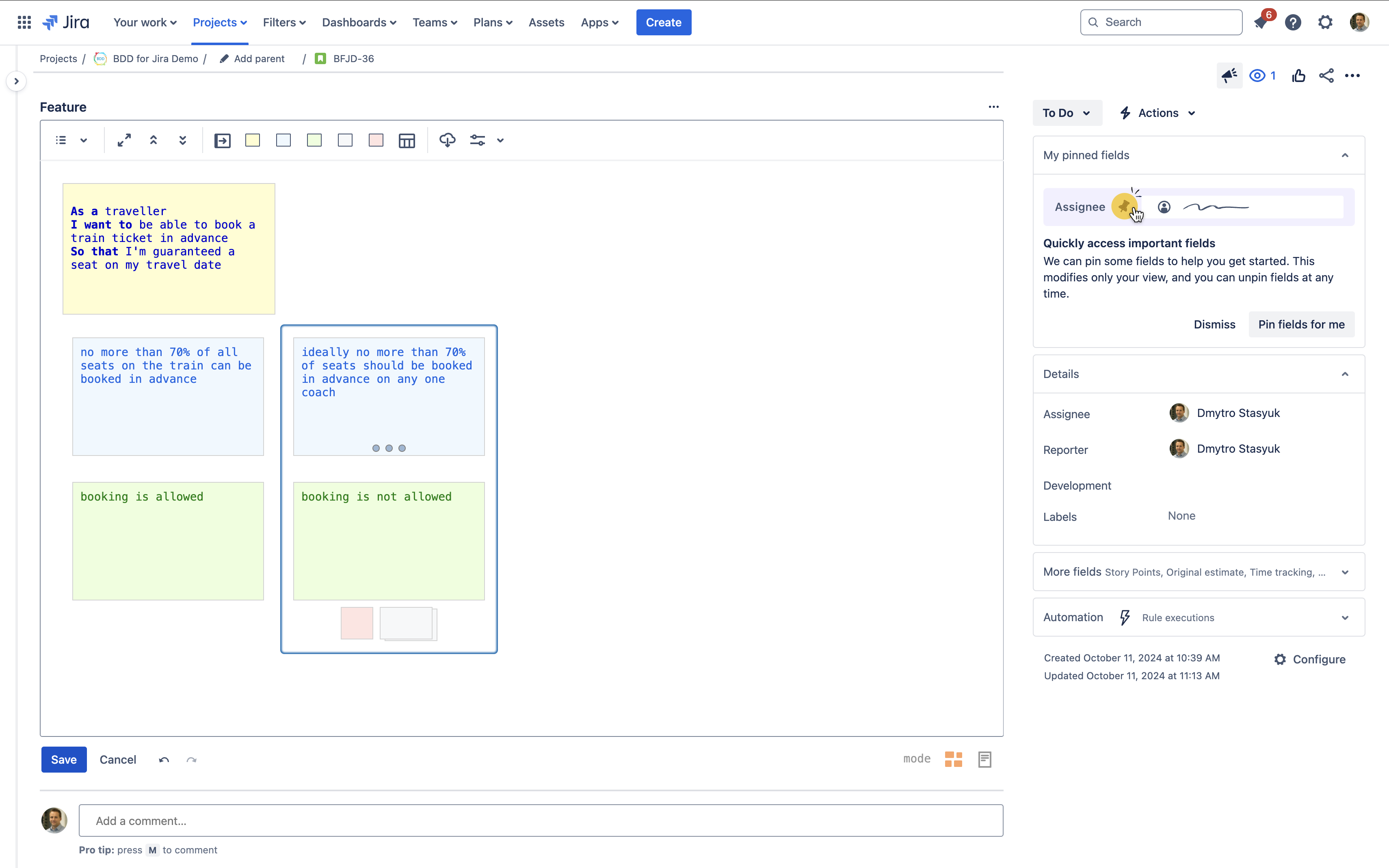
The contents of copied notes is stored in the standard clipboard, which means you can copy and paste notes and note groups between Features of different Jira issues.


Copy & Paste Into External Editors
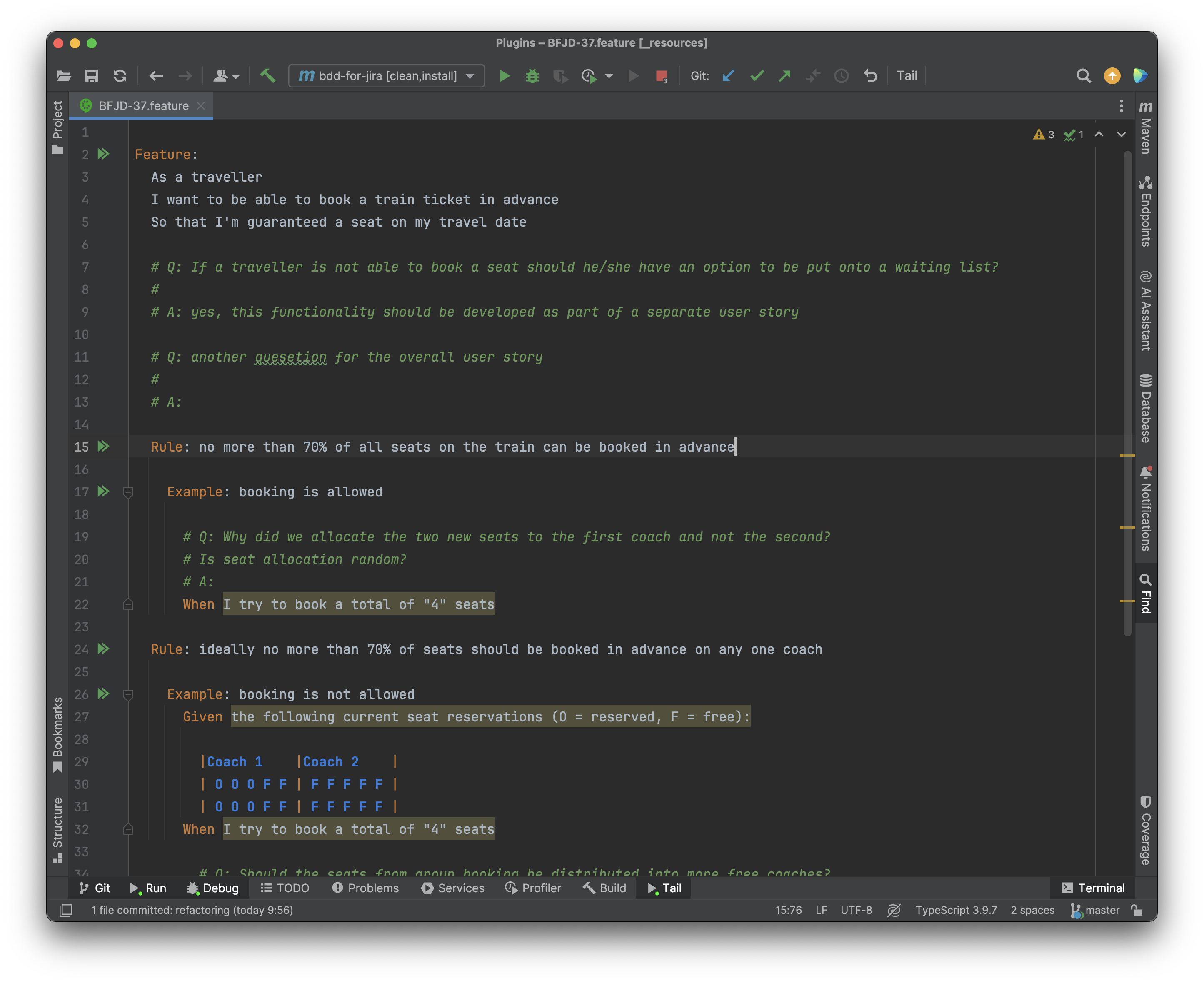
The content of a single note or a note group is copied as plain text, which means you can paste it into external editors, e.g. IDEs, notepads, etc.